
Containers.
Enter the inside size and cargo weight limit of a 20 ft, 40 ft or high cube container, then review the fit and what is left over.
Online load calculator
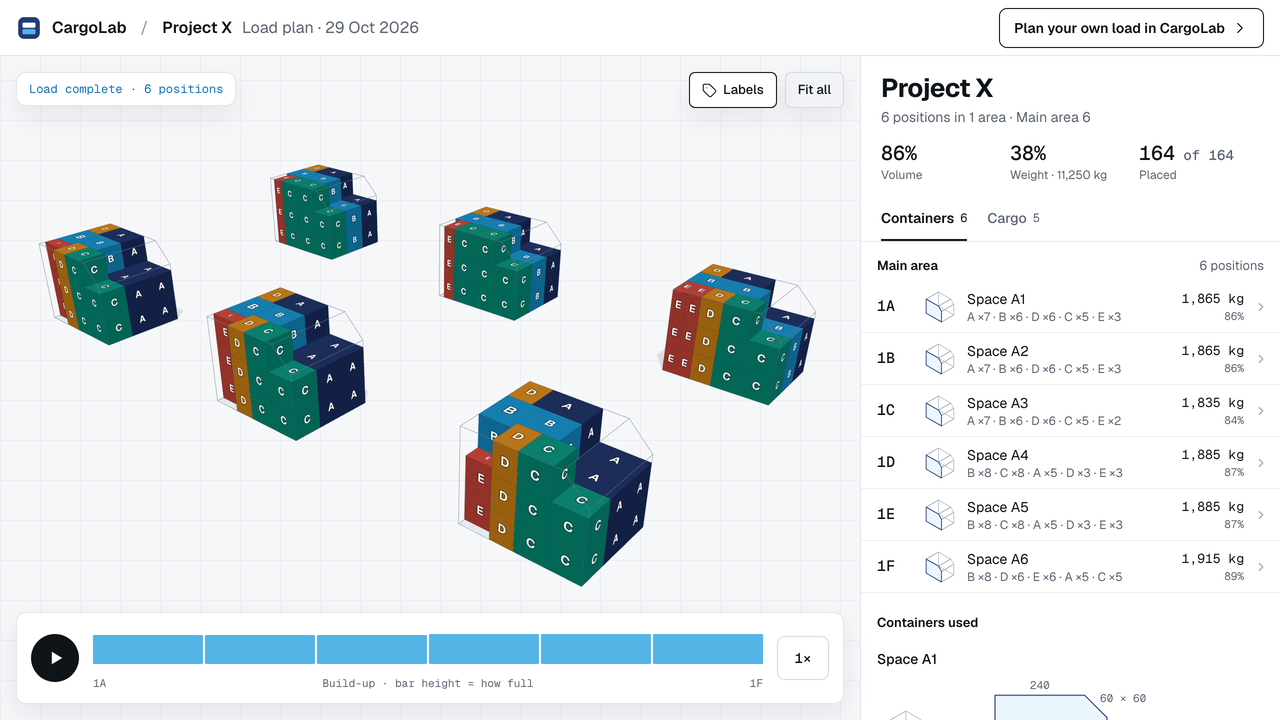
CargoLab is an online 3D container load calculator. Enter your cargo and your container's inside size, see how the pieces could fit, and share the plan as a PDF report or a read-only 3D link.
Works in your browser on a computer, phone or iPad, with no installation. The example opens without an account.
What it does
A tool that works out how cargo could fit inside a container, truck or other loading space and shows the result in 3D, so you can check it before anything is loaded.
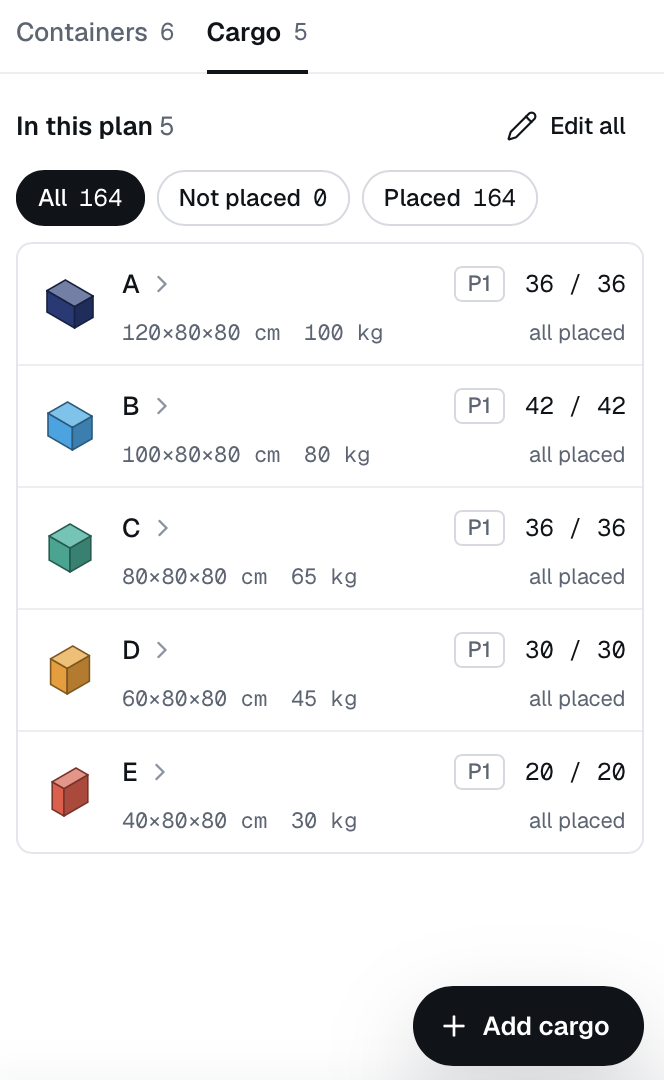
Start with the inside size and the cargo weight limit of the container, then the size, weight and quantity of each cargo line. Adding up volumes only gives a rough idea, because gaps, stacking rules and the weight limit usually stop you first. A 3D load calculator places each piece, so you see what fits and what is left out.
Yes. Enter the inside length, width and height and the cargo weight limit (payload) from your carrier's figures. CargoLab has no ready-made container list today: a checked library is being rebuilt.
Yes, as a preliminary plan. With an account, draw the end outline, give it depth and set the cargo weight limit; the cut-off area is not available for cargo. The carrier makes the final decision.
As a guest you can open a finished example, start your own plan and place cargo by hand; your work stays on your device. An account adds Auto-Pack, cloud save, CSV and PDF export, share links and the container designer. No payment details needed.
Yes. With an account you can send a PDF report or a read-only link. Anyone can open the link without an account and look around the plan in 3D.
No. Auto-Pack proposes an arrangement within your rules and does not guarantee a globally optimal one. Check the plan against your equipment; the carrier makes the final loading decision.
See how the pieces could be arranged and what still needs checking.
First-time visitors can open a finished example. No account needed.